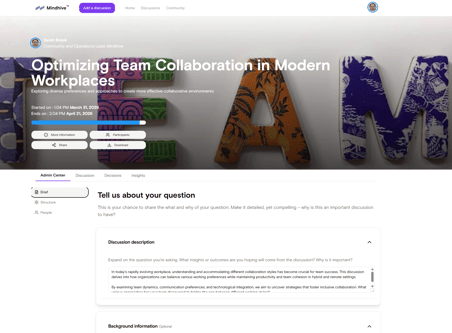
The Discussions page is the heart of collaboration on Mindhive. It’s where ideas are explored, problems are solved collectively, and community insight is unlocked. This guide will help you make the most of the Discussions interface by covering every key feature and functionality.
If you are the discussion creator or an admin:
-
Open the discussion.
-
Open the Admin Center.
-
Update the discussion details, including the description, topics, visibility, participants, resources, and categories.
-
Save your changes.
Editing a discussion does not affect existing contributions. Participants are notified of significant changes.