
The Edit Profile page is where you shape how others see and connect with you on Mindhive. It’s more than a bio, it’s a way to match your interests, skills, and expertise with relevant discussions, collaborators, and AI agents.
-
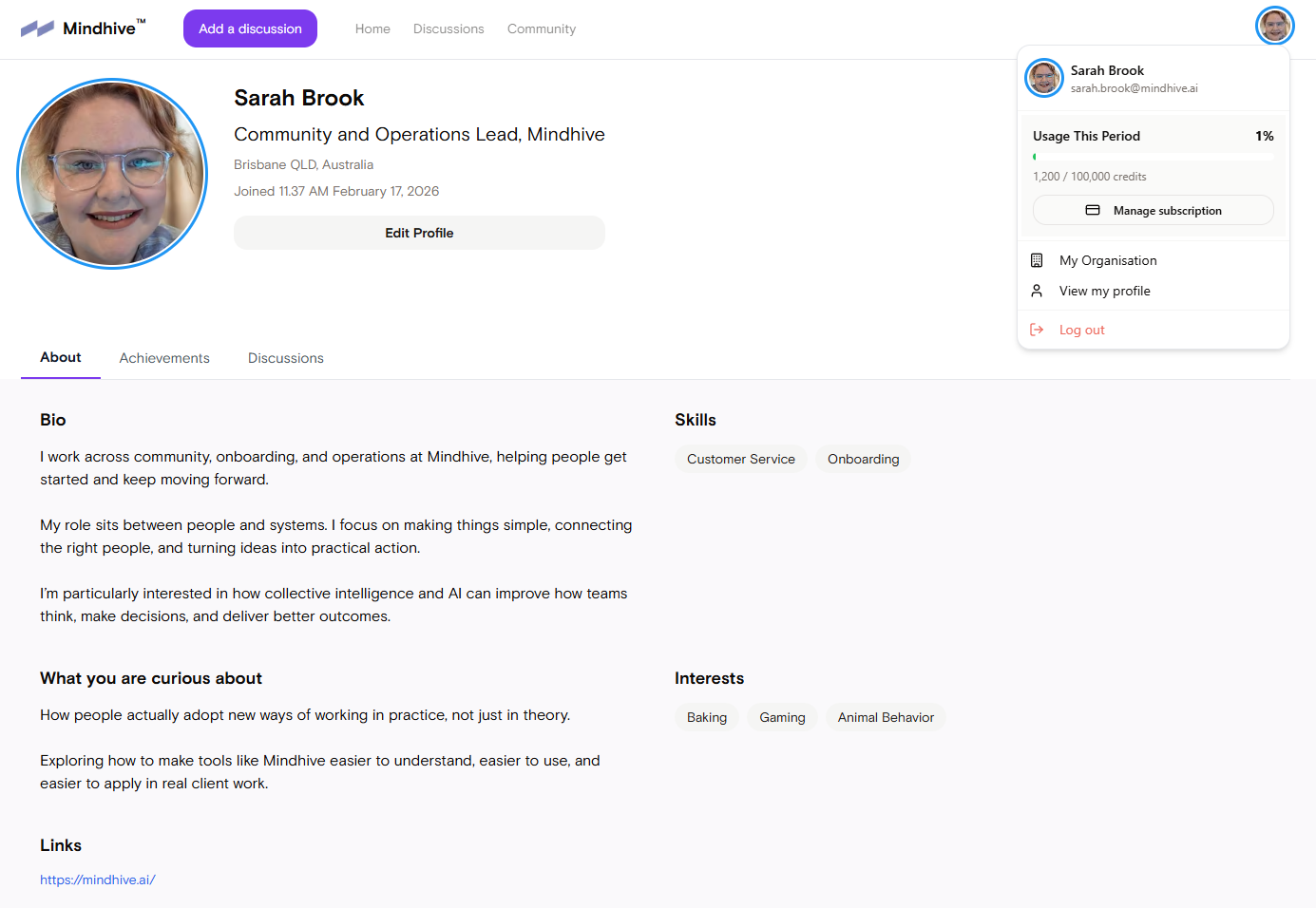
Click your avatar, then select View my profile → Edit Profile.
-
Update any fields: name, photo, bio, expertise, organisation.
-
Click Save.
